About the App
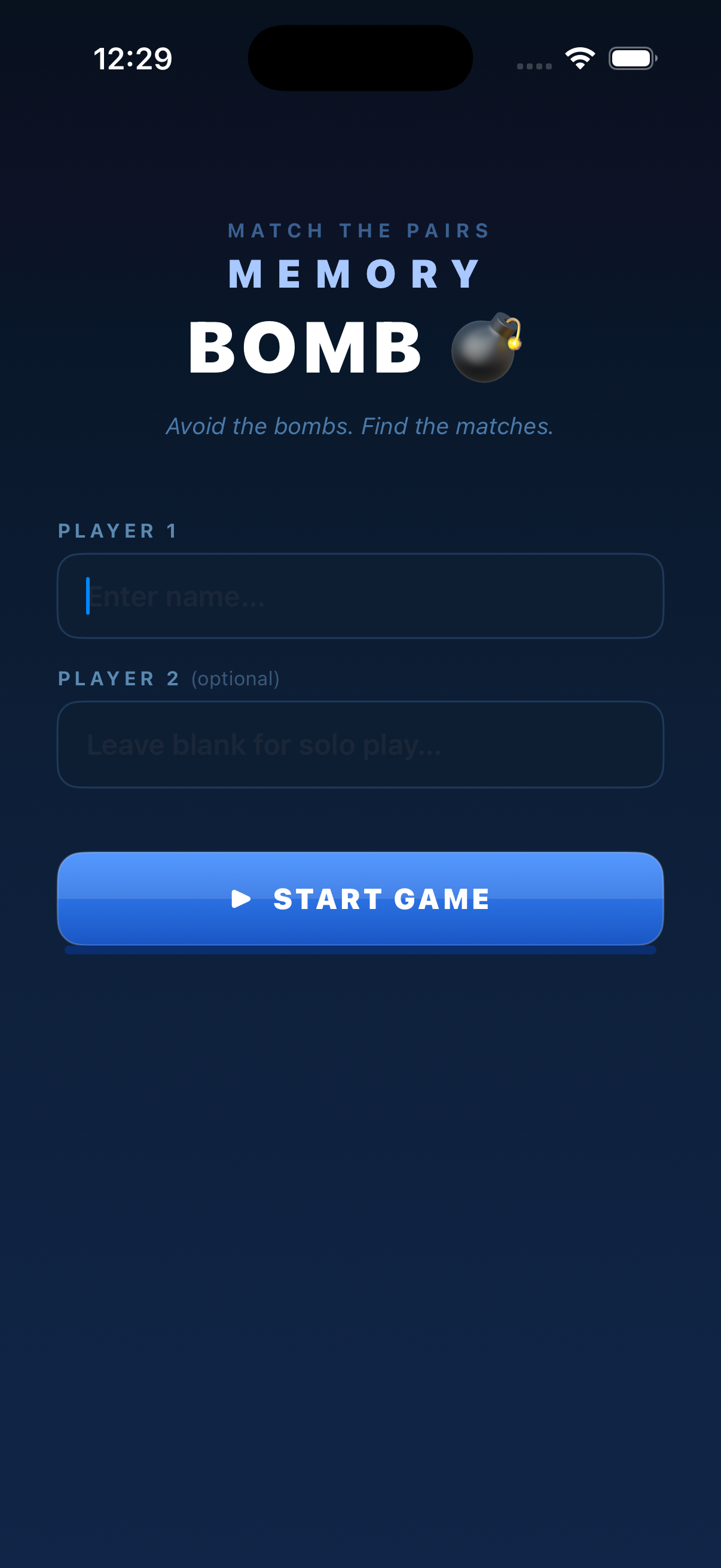
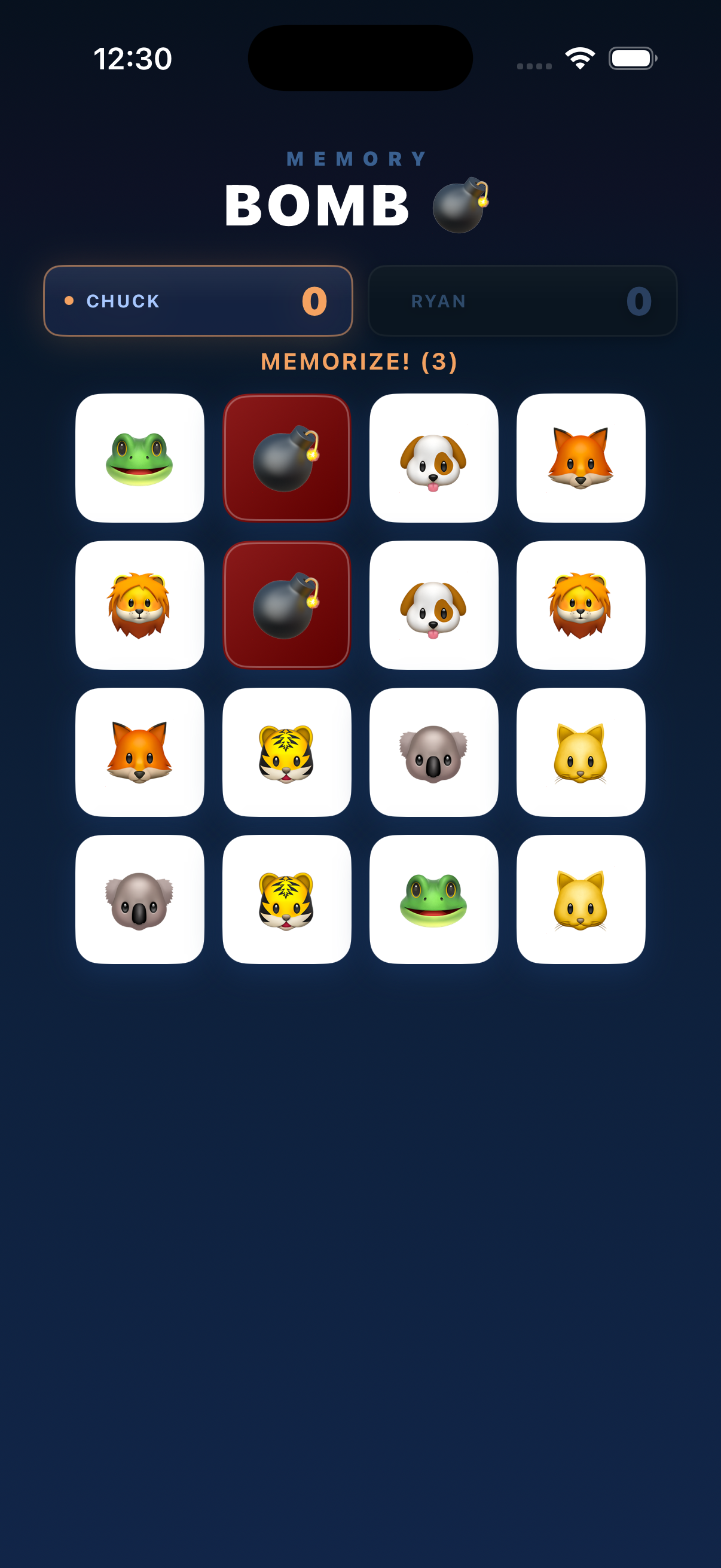
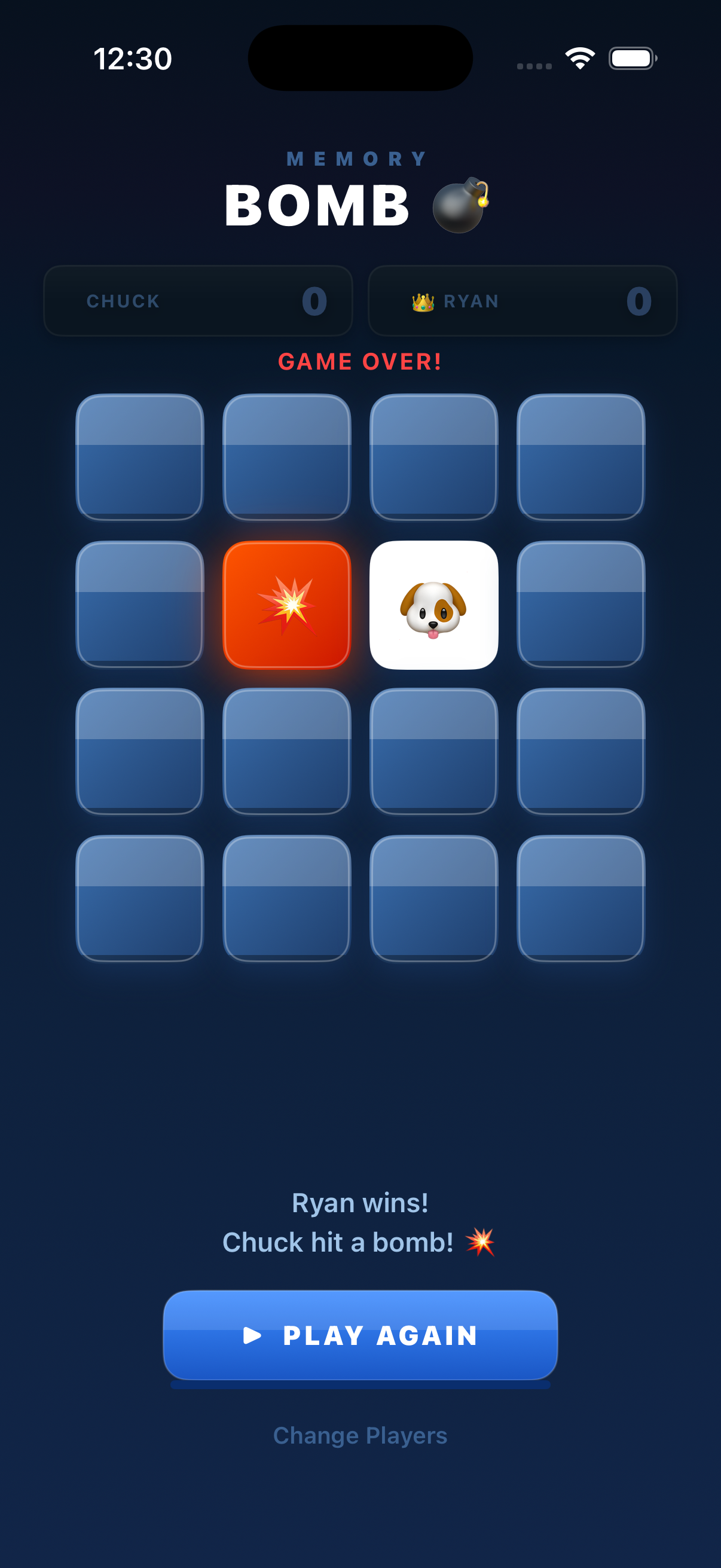
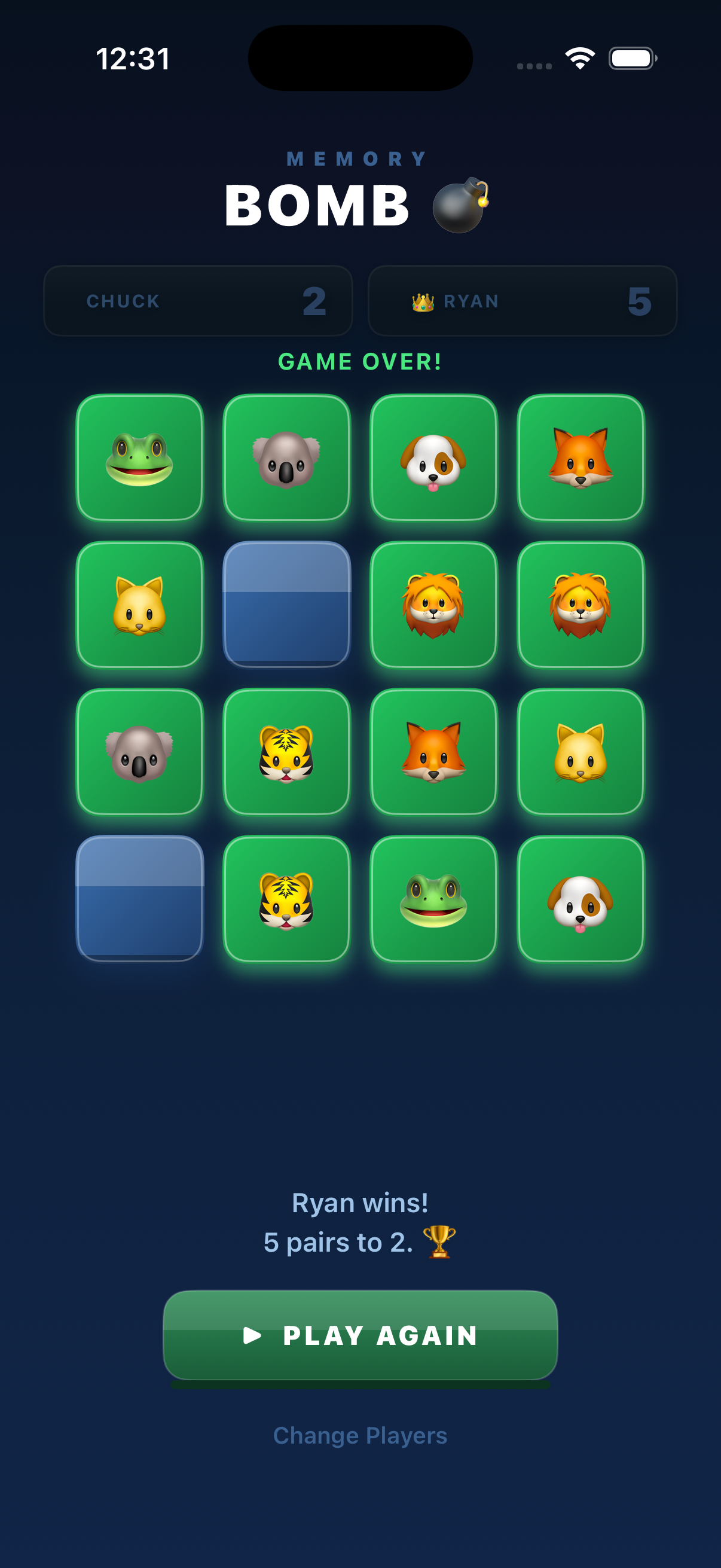
MemoryBomb is a memory matching game for iOS. A grid of emoji cards is revealed — memorize the positions of the matching pairs and the hidden bombs, then flip them from memory. Match pairs to score points, but flip a bomb and your turn ends!
Play solo or challenge a friend in two-player mode. The player with the most matched pairs when the board is cleared wins. Simple to learn, hard to master.
Screenshots
Frequently Asked Questions
How do I reset my progress?
To reset all progress and high scores, go to your device's Settings → MemoryBomb and tap "Reset Game Data". Alternatively, deleting and reinstalling the app will start fresh.
The game isn't loading — what should I do?
Try force-closing the app and reopening it. If the problem persists, restart your device. Make sure you're running the latest version of MemoryBomb from the App Store, and that your iOS version is up to date.
How do I report a bug?
Email us at laffertySoftware@gmail.com with a description of the issue. Please include your device model and iOS version so we can reproduce and fix it quickly.
Are there in-app purchases?
Any in-app purchases are clearly labeled within the app before you commit to buying. Nothing is charged without your explicit confirmation via Face ID, Touch ID, or your Apple ID password.
How do I request a refund?
Refunds for App Store purchases are handled directly by Apple. Visit reportaproblem.apple.com to submit a refund request.
Contact Support
Can't find what you're looking for? Send us an email and we'll get back to you as soon as possible.
laffertySoftware@gmail.comFor faster help, please include your device model and iOS version in your message.